The CJ3A Page CJ3B.info

Post reply

Warning: this topic has not been posted in for at least 120 days.
Unless you're sure you want to reply, please consider starting a new topic.

Note: this post will not display until it's been approved by a moderator.

Name:
Email:
Subject:
Message icon:

Verification:
Type the letters shown in the picture
Listen to the letters / Request another image

Type the letters shown in the picture:
Write the word between words Jeep from this JeepWILLYSJeep?:
How many slot has a GPW grill?  7 - 9 - 11:

shortcuts: hit alt+s to submit/post or alt+p to preview


Topic Summary

Posted by: calvinhunt
« on: July 14, 2013, 12:23:36 AM »

QJ,
  I was able to get it to work just as you said, even with multiple pics.  However, the pics I posted were way too large, even though they said something like just 440 KB. (I deleted the post because it distorted the whole thread.)

  How do I reduce the photo size so I can post them here?
Posted by: calvinhunt
« on: July 13, 2013, 12:33:18 AM »

Thanks QJ,
  Even though it�s late I had to check tonight to see your response.  Once again it�s too late for me to dig into your instructions.  Hope to get to it tomorrow or the next day.  I�m excited to make it work.
  Thanks again.
Posted by: Quebec Jeep
« on: July 12, 2013, 09:54:36 AM »

Does it help?

First you type your text.
Then you click on "Choose File". A pop-up windows will appear and you will need to go in the directory where your pictures reside and choose the one you want.
Unfortunately, we need to do it one by one. We cannot select a bunch of pictures in one shot.
If you want to attach more then one pictures, you will have to click on the "+" just beside "Attachments"

You need to make sure that your picture is a format jpg, jpeg, ... with a size less then 1.5 Meg.
I just changed it. It was 750KB before.
Posted by: Quebec Jeep
« on: July 12, 2013, 09:46:54 AM »

You can attach those type of files
With this sizes maximum each files
By clicking here
You can add more files by clicking here

Posted by: calvinhunt
« on: July 12, 2013, 12:44:38 AM »

QJ, Okay, I think I'd get the best of that deal.  Lets start with this.  How do you get a photo from your computer files into the image brackets on the CJ-3A page?  Step by step please.
Posted by: Quebec Jeep
« on: July 10, 2013, 09:25:14 AM »

Nah! I don't use photobucket.

Normally, I use file attachment here since we don't have any file size limits on our server for the forum. So the file that you have on your computer is copyed here on the server.

On the CJ2A forum, I use my own website to link it with an hyperlink.

I'm more than welcome to help you with any computer issues you may have. I'll trade it with help on my 3A questions! ;)
Posted by: calvinhunt
« on: July 10, 2013, 12:34:38 AM »

QJ,
� Thanks for your help here.� I'm going to try to give this a try, however, I'm certain that I'm the most computer illiterate person on the 3A Page.
� Too late to try it tonight.� I'll do it sometime when I can get to the computer a bit earlier.
� I just ask, though, do you still stick a photo from Photobucket into the image brackets or do you bring it in from another source?
� Thanks again.
Posted by: Quebec Jeep
« on: July 09, 2013, 09:41:46 AM »

I don't think that we are limited when we are using "image insert" method.
It's the third button on the top left corner in the tools bar just above the underline property icon.

Now if you are using the attachment method below the emoticons, then you are limited at 750 KB size per attachment.

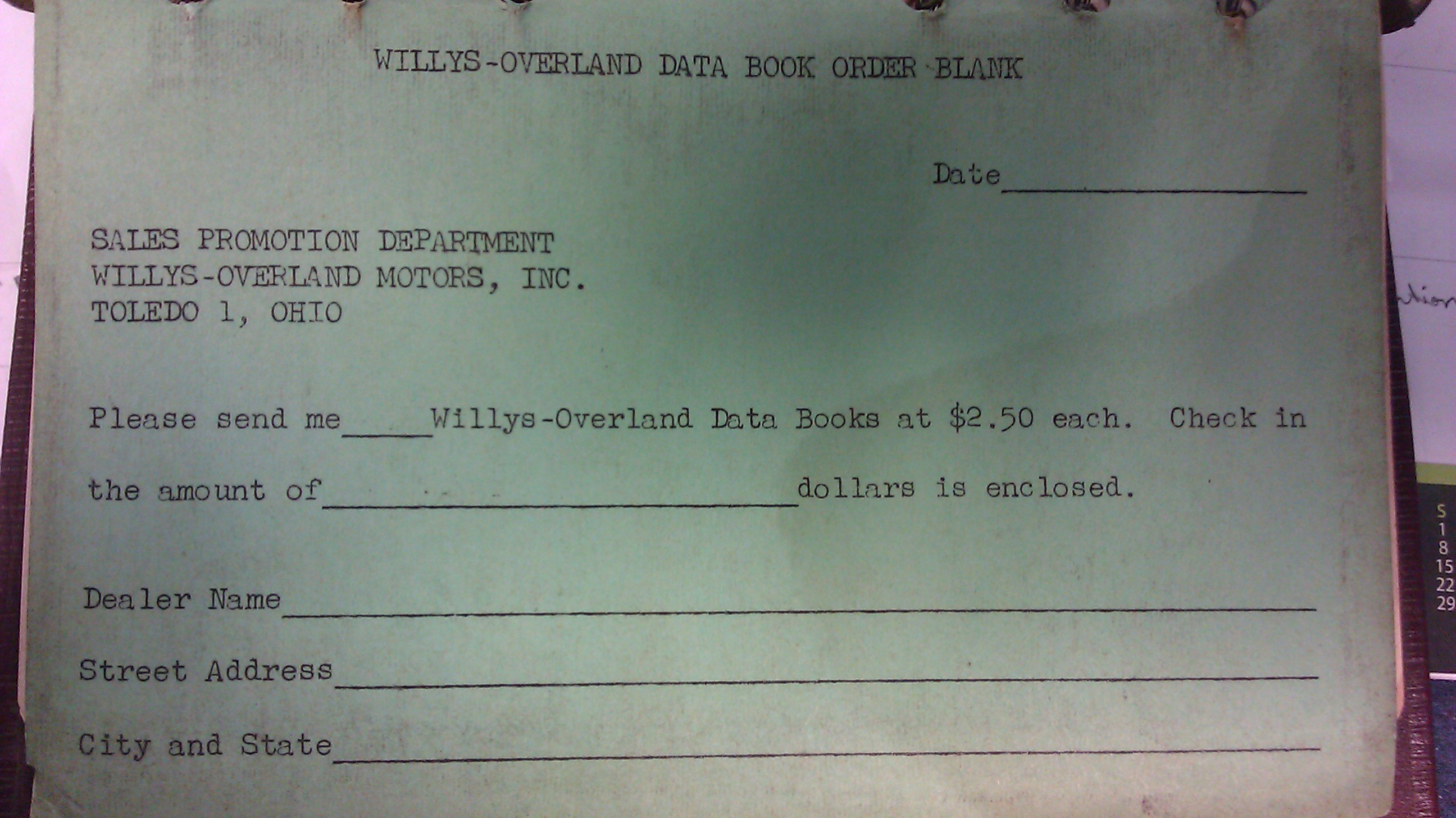
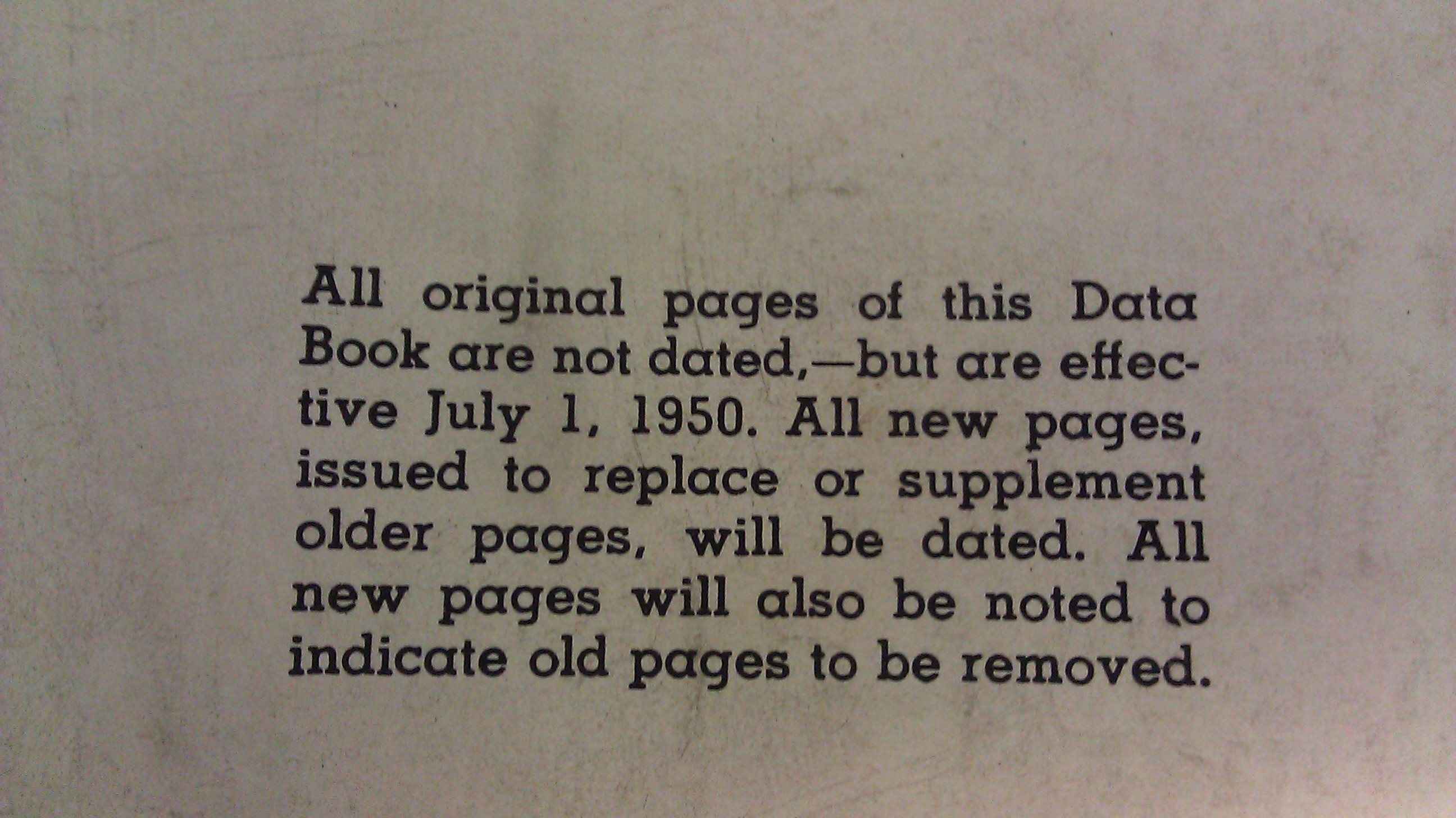
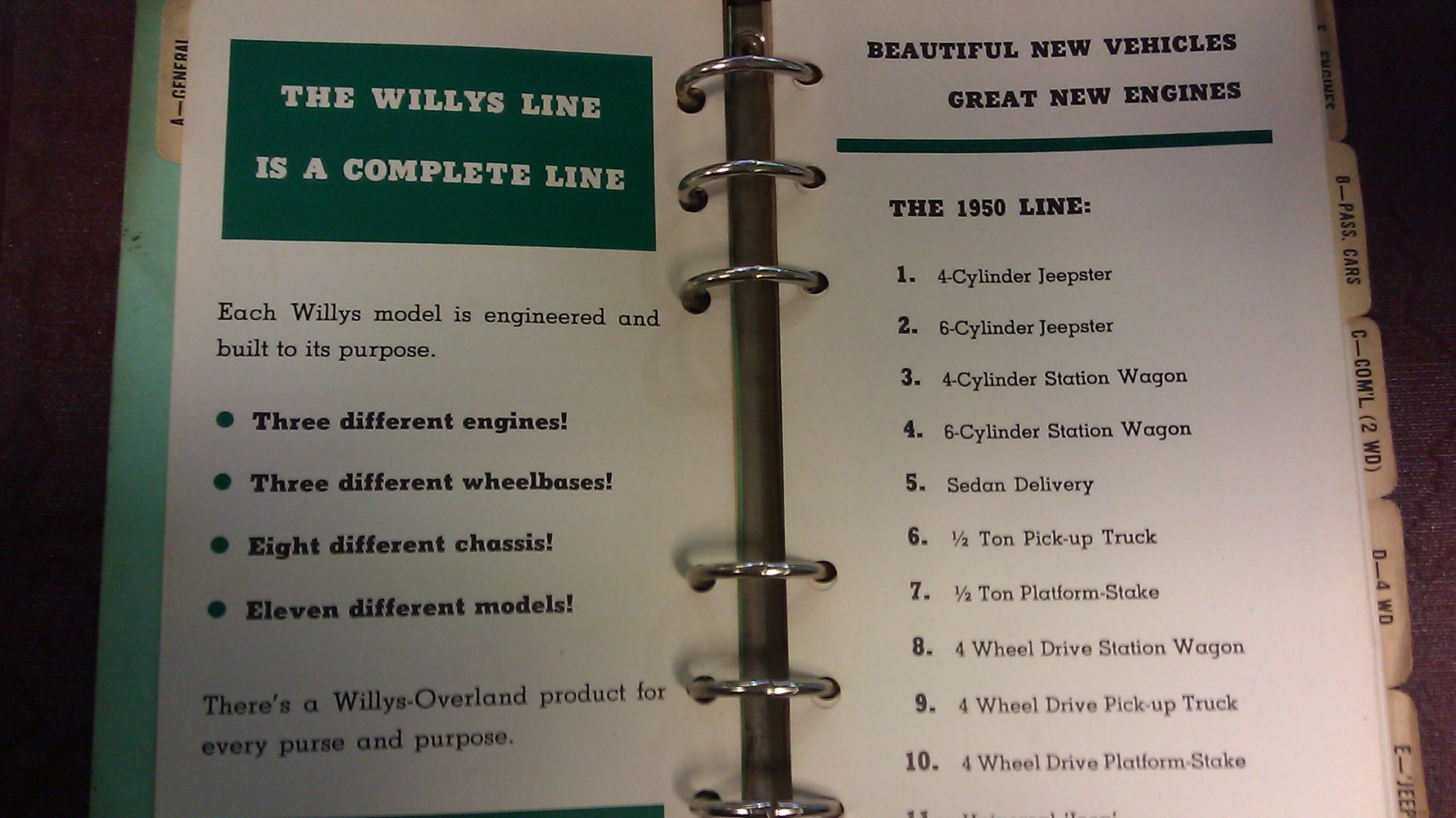
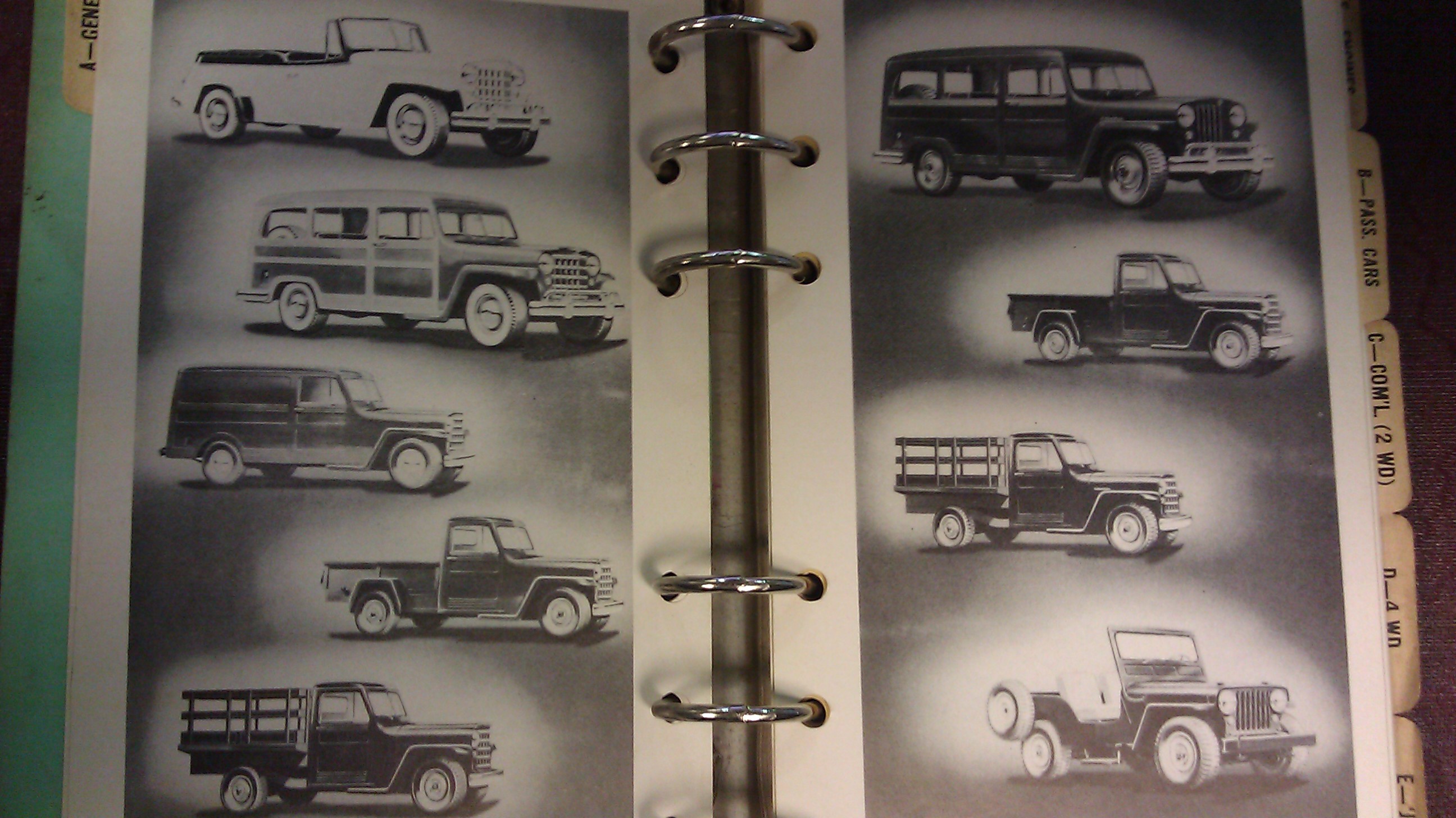
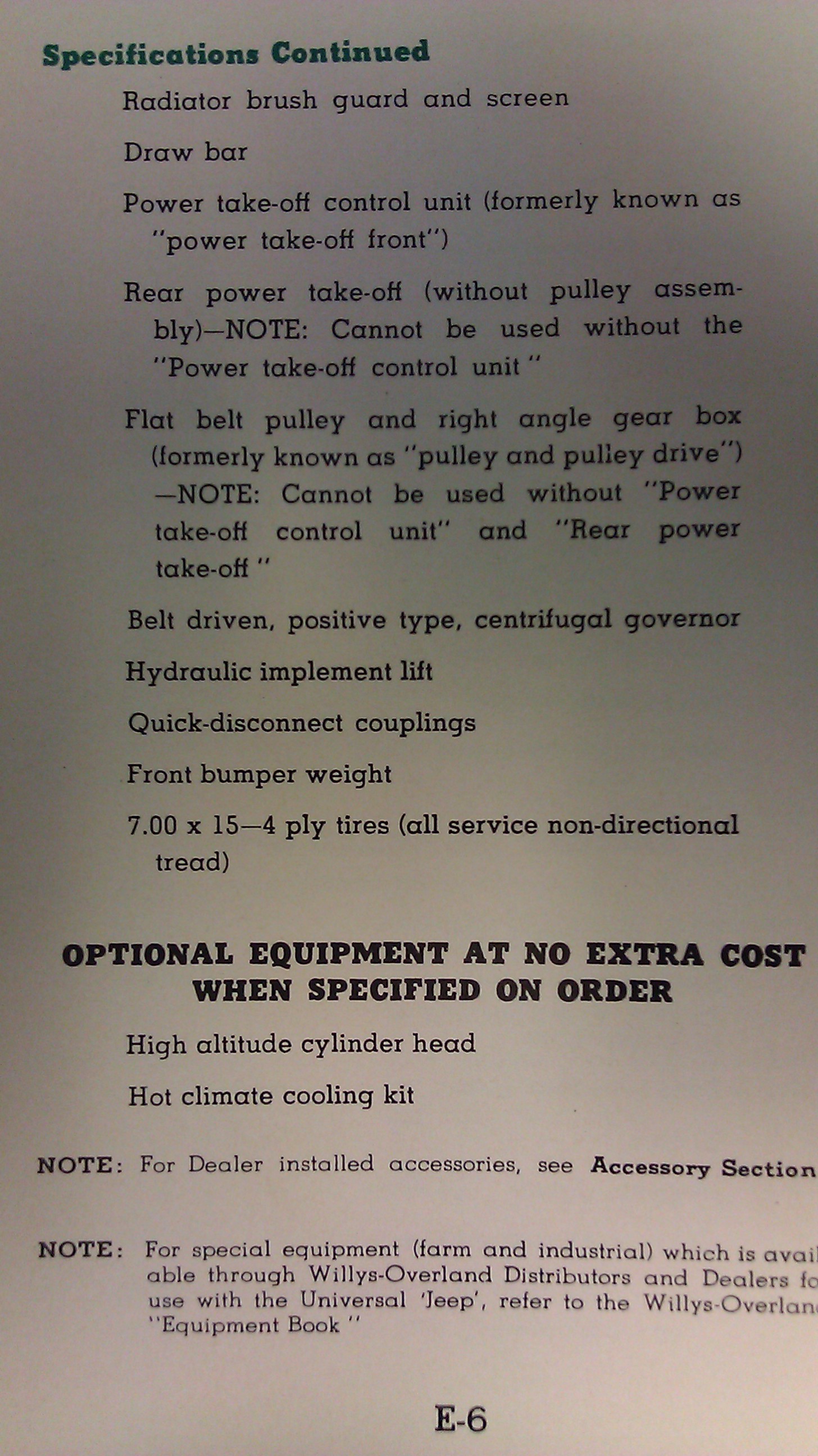
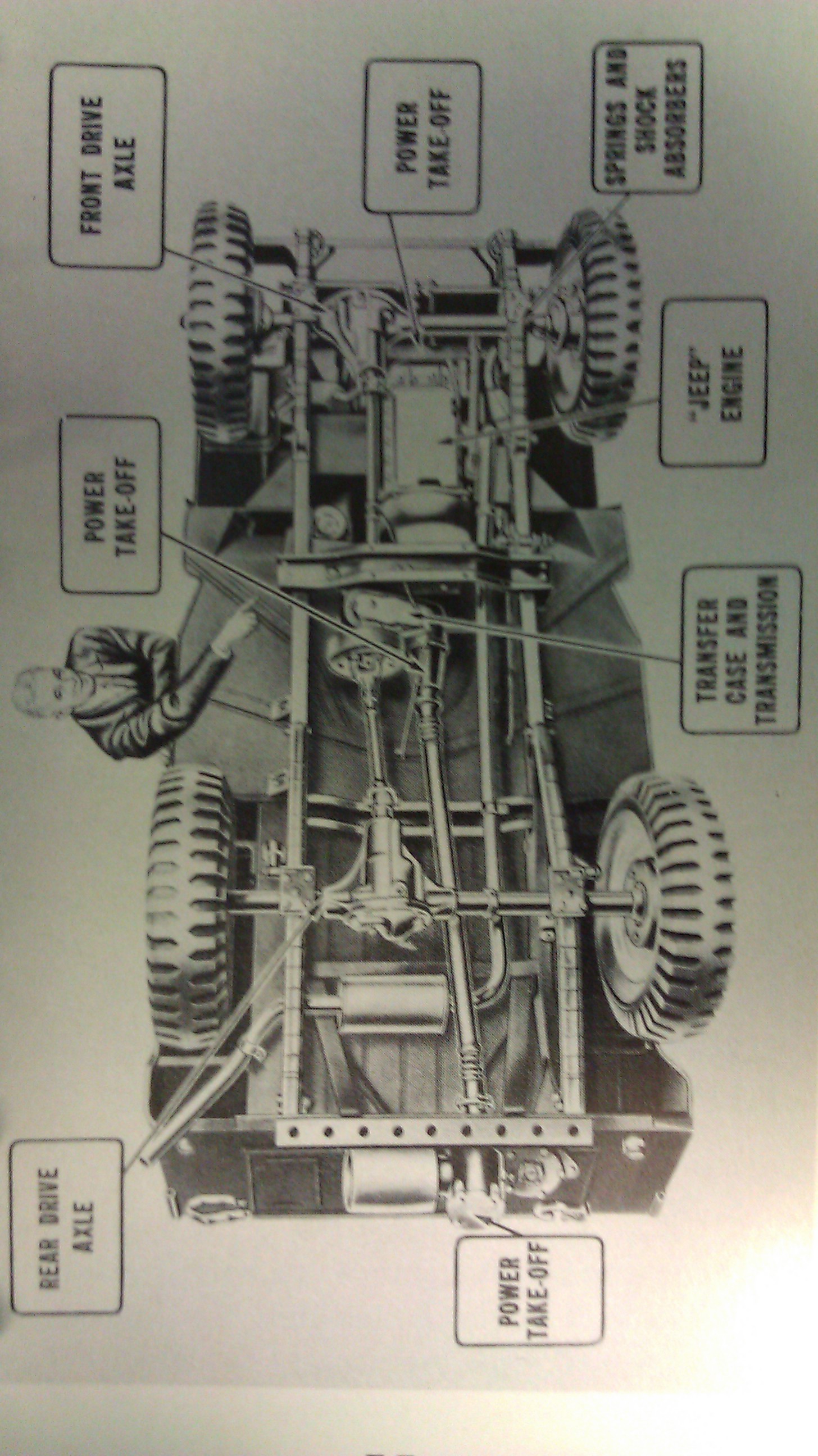
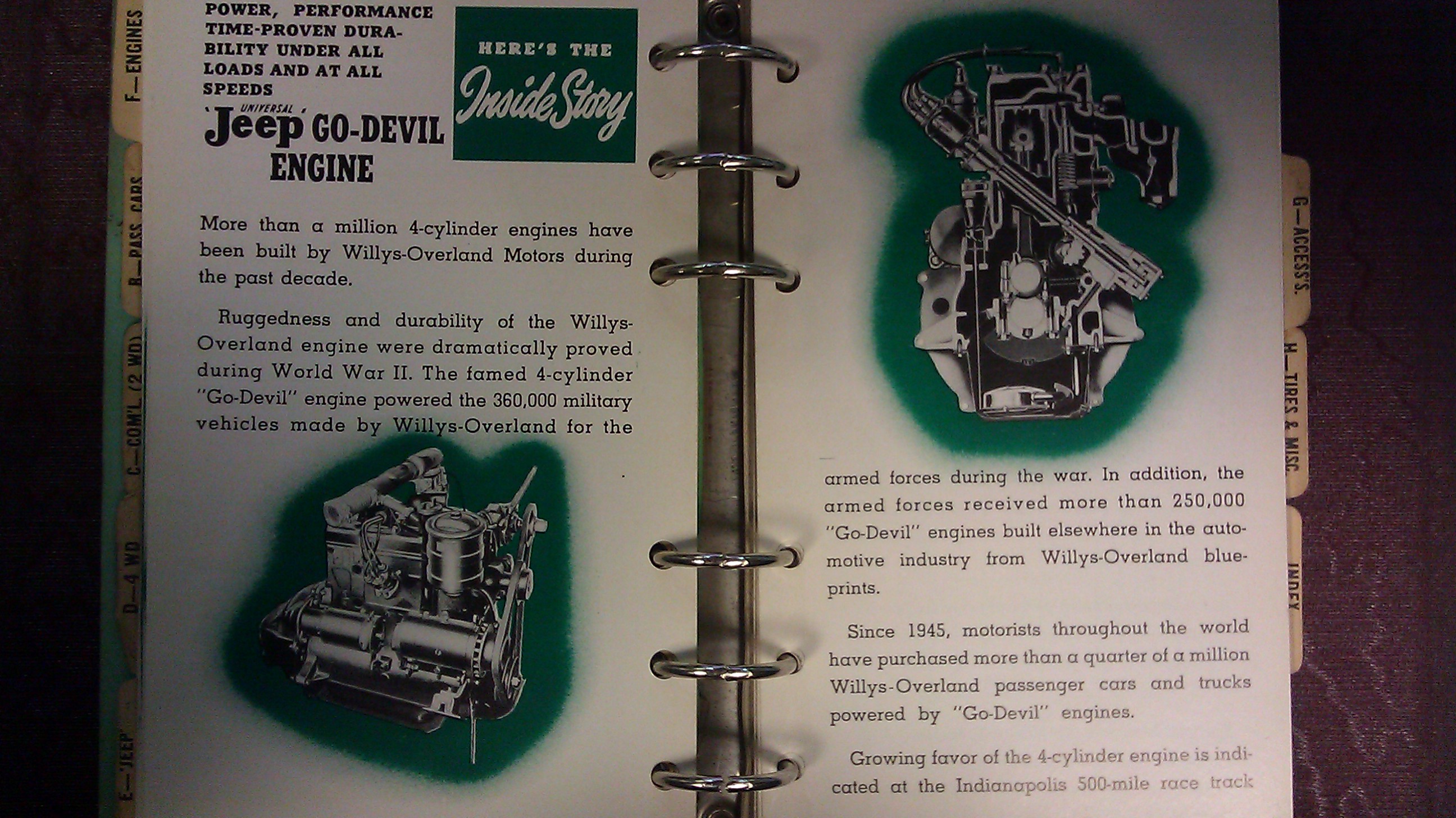
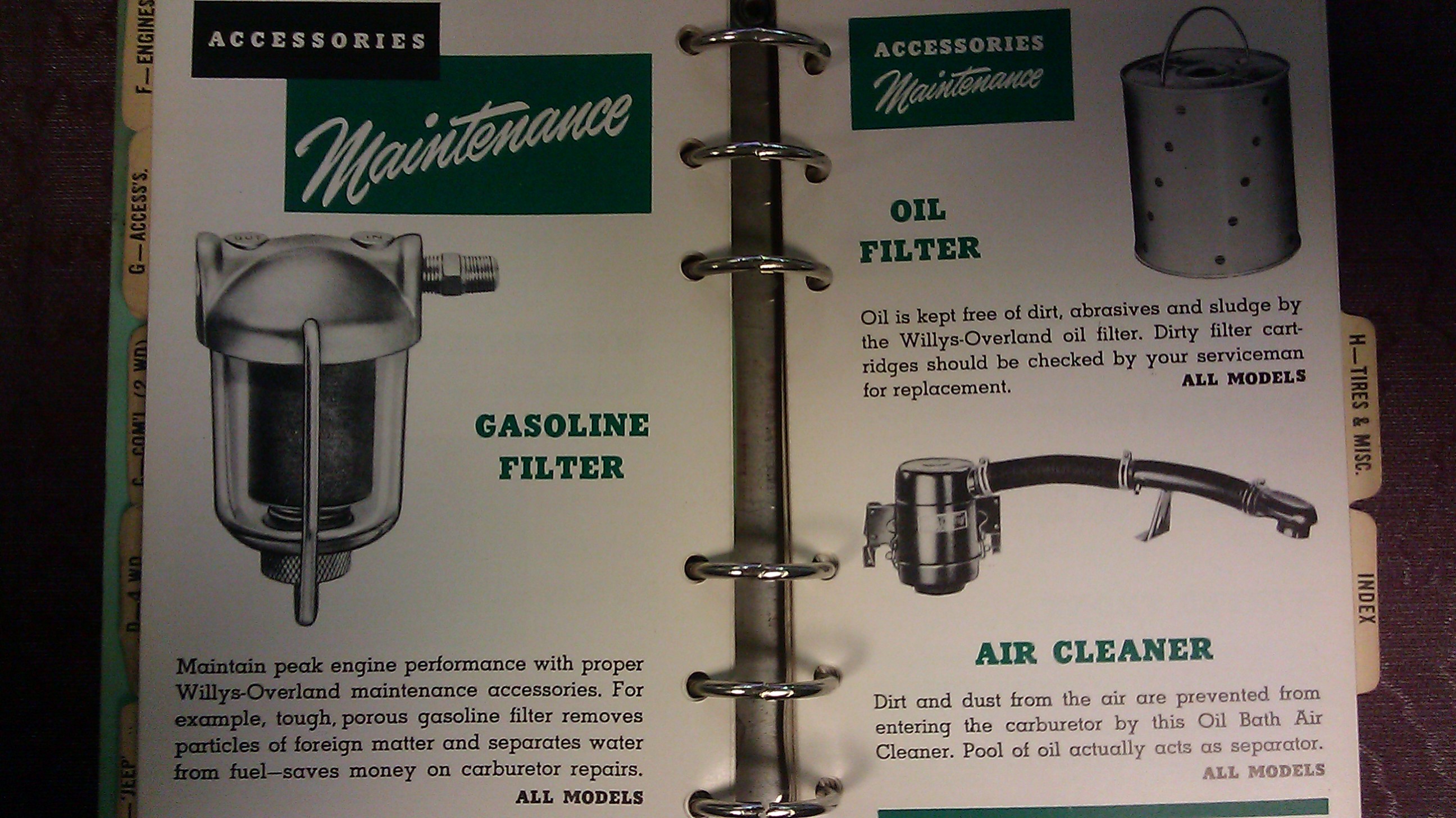
So here again the same 15 pictures but as attachment. I reduced the size of them lower than 750 KB each. Total size is 484KB.
Posted by: Quebec Jeep
« on: July 09, 2013, 09:27:07 AM »

Hi,
I'm just testing how many pictures we can add.

Here I used insert image method and I inserted 15 pictures:
" [ img][/img]"
1

2

3

4

5

6

7

8

9

10

11

12

13

14

15